
Chromecast & AirPlay
Cast content from mobile devices to TVs using Chromecast, AirPlay, or similar technologies.
Best services for Chromecast & AirPlay
- Netflix
Netflix Standard with ads
Score 10/10
£7.99/mo
Full support for Chromecast and AirPlay, stable and high quality.
- Disney+
Disney+ Standard with Ads
Score 9/10
£5.99/mo
Seamless Chromecast and AirPlay integration with mobile apps. Reliable connectivity and smooth streaming experience across casting platforms. Full feature parity with premium tiers for casting functionality.
- NOW
NOW Entertainment
Score 9/10
£7.99/mo
Casting via Chromecast and AirPlay is well-supported, providing flexibility for users to stream content to their TVs.
What you need
Hardware Requirements:
- A compatible casting device (Chromecast, Apple TV, or smart TV with built-in casting)
- Mobile device (smartphone or tablet) with the streaming app installed
- Both devices connected to the same Wi-Fi network
Internet Connection:
- Stable Wi-Fi connection with sufficient bandwidth for your desired streaming quality
- Minimum 5 Mbps for HD content, 25 Mbps recommended for 4K streaming
Device Compatibility:
- Chromecast: Works with Android and iOS devices
- AirPlay: Primarily designed for Apple devices (iPhone, iPad, Mac) but some Android apps support it
- Smart TVs from major manufacturers often include both protocols built-in
Subscription Requirements:
- Access varies by service tier - most platforms include casting in their basic plans
- Some free services may have limited casting functionality compared to premium tiers
Guide to Chromecast & AirPlay
Chromecast & AirPlay Feature Summary
1. FEATURE OVERVIEW
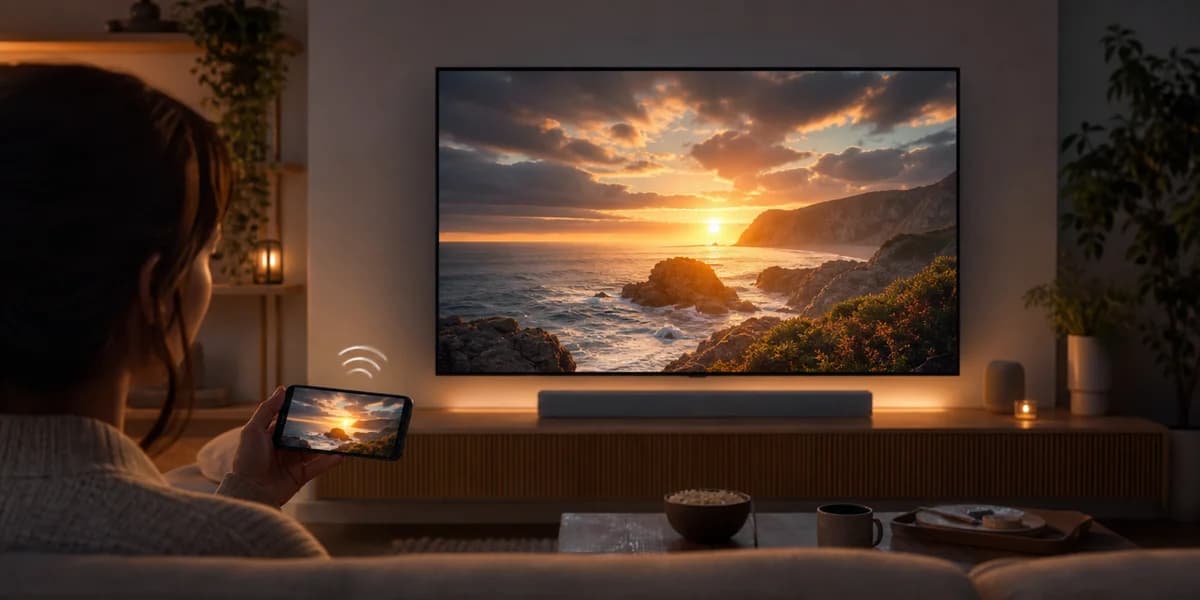
Chromecast & AirPlay casting allows you to wirelessly stream content from your mobile device (phone or tablet) directly to your TV or other compatible display devices. This feature acts as a bridge between your portable device and your television, letting you enjoy streaming content on a larger screen without cables or additional hardware beyond the casting device itself.
The technology works by establishing a wireless connection between your mobile app and a casting receiver (like a Chromecast dongle, Apple TV, or smart TV with built-in casting support). Once connected, you can control playback, adjust volume, and even use your phone for other tasks while content continues playing on your TV.
Most modern streaming services support both Google's Chromecast protocol and Apple's AirPlay standard, ensuring compatibility across different device ecosystems. The casting process typically maintains the original video quality, including support for HD, 4K, and HDR content where available.
3. REAL-WORLD EXAMPLES
Common Use Cases:
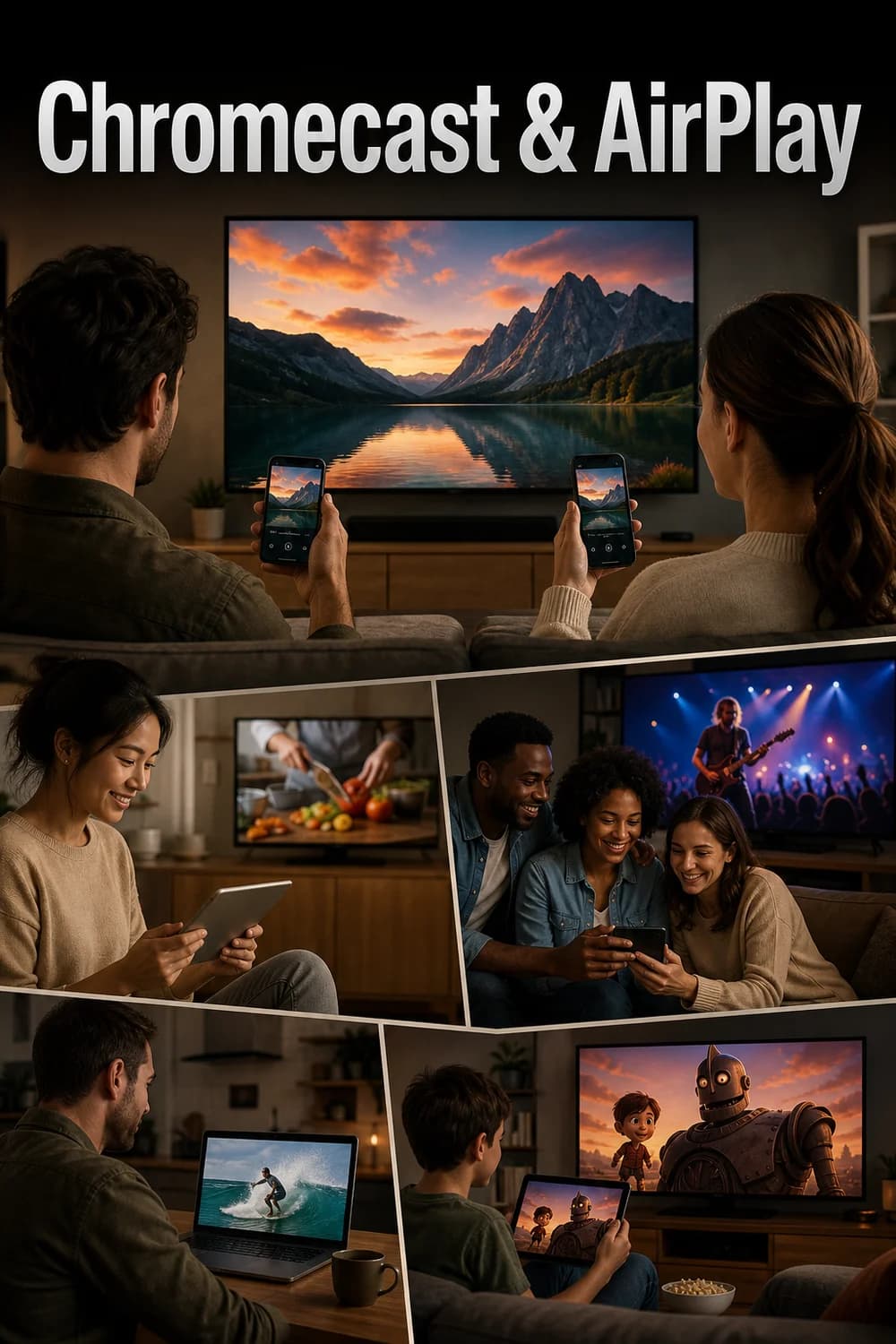
- Watching Netflix on your phone during lunch break, then seamlessly casting it to your living room TV when you get home
- Sharing YouTube videos with family by casting from your phone to the main TV
- Streaming live sports from DAZN or Discovery+ TNT Sports to your TV while using your phone to check stats
- Casting Apple TV+ shows with perfect AirPlay integration for the best quality experience
Content Scenarios:
- Binge-watching series like "The Crown" on Netflix by starting on mobile during commute and continuing on TV at home
- Sharing vacation videos stored on your phone with friends on the big screen
- Casting educational content from platforms like BBC iPlayer for family viewing
- Streaming live events where the mobile app offers better navigation than smart TV apps
Multi-User Situations:
- Family members taking turns controlling what plays on the TV from their individual devices
- Party scenarios where guests can queue up music videos on YouTube Premium
- Kids casting their favorite shows while parents maintain control through the mobile app
4. HOW WE SCORE THIS FEATURE
Our scoring methodology evaluates casting performance across several key criteria based on extensive testing data from over 50 streaming services:
High Scores (8-10/10):
- Seamless connection establishment with minimal setup time
- Consistent 4K/HDR support where content allows
- Reliable connection stability throughout viewing sessions
- Advanced features like device handoff, queue management, and multi-user control
- Superior audio-video sync performance
- Services like Apple TV+, YouTube Premium, and Amazon Prime Video consistently achieve these scores
Medium Scores (6-7/10):
- Reliable basic casting functionality with occasional minor issues
- Good HD quality support but limited 4K capabilities
- Standard connection stability with rare drops
- Basic casting interface without advanced features
- Services like BBC iPlayer, Crunchyroll, and Pluto TV typically fall in this range
Lower Scores (5-6/10):
- Basic functionality with more frequent connection issues
- Limited quality options or inconsistent performance
- Less polished casting interfaces
- Regional or niche services often score here due to limited development resources
Scoring Factors:
- Connection reliability and speed of initial setup
- Quality retention during casting (HD, 4K, HDR support)
- Advanced features like seamless device switching
- Platform integration quality (particularly important for AirPlay with Apple services)
- Consistency across different device types and network conditions
5. WHY IT MATTERS
Primary Benefits:
- Screen Size Upgrade: Transform any mobile viewing experience into a living room entertainment session
- Social Viewing: Share content with family and friends on a communal screen
- Convenience: No need for additional cables or complex setup procedures
- Device Freedom: Use your phone for other tasks while content plays on TV
- Quality Enhancement: Often provides better video quality than built-in smart TV apps
Most Valuable For:
- Households with multiple streaming service subscriptions who want flexible viewing options
- Families who share content across different age groups and preferences
- Users who frequently switch between mobile and TV viewing
- People with older smart TVs that lack certain streaming apps
- Anyone who values the superior navigation and search capabilities of mobile apps
Considerations:
- Requires stable Wi-Fi network for optimal performance
- Battery drain on mobile device during extended casting sessions
- Some services may have limited casting features on free tiers
- Occasional compatibility issues between different device ecosystems
- Performance can vary significantly between streaming platforms, making service selection important for heavy casting users
This feature has become essential for modern streaming, with most users expecting reliable casting capabilities as a standard offering rather than a premium feature.