
Smart TV App
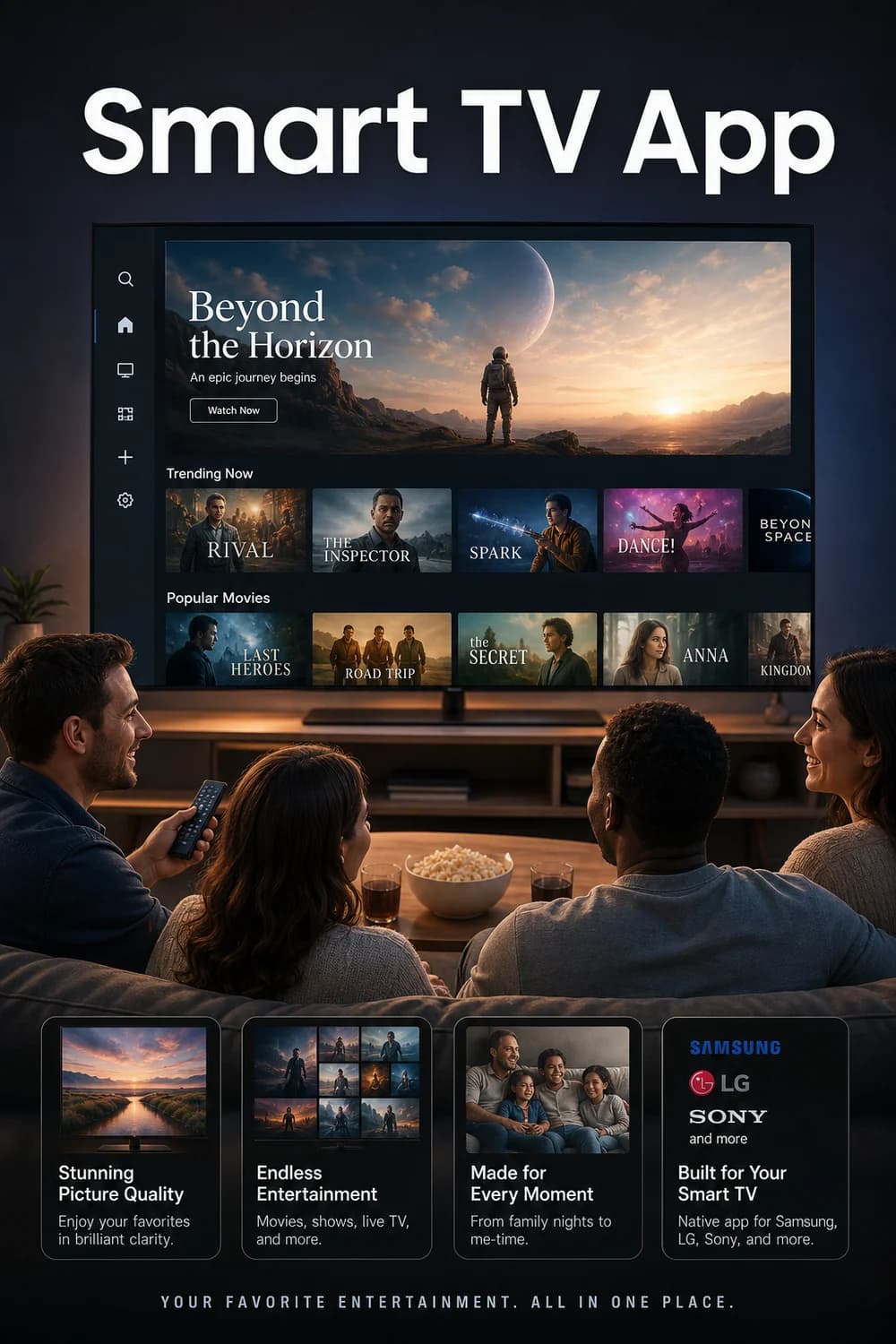
This service provides a native application for popular Smart TVs such Samsung, LG, Sony, and more.
Best services for Smart TV App
- YouTube
YouTube
Score 10/10
Free
YouTube provides industry-leading Smart TV app coverage with native apps available on virtually every Smart TV platform including Samsung, LG, Sony, Roku, Android TV, and many others. The app is exceptionally well-optimized for TV viewing with excellent performance, intuitive navigation designed for remote controls, and comprehensive feature support. The interface is polished and user-friendly with advanced features like voice search, playlists, and seamless casting integration. YouTube's massive scale ensures consistent updates and broad device compatibility.
- Netflix
Netflix Standard with ads
Score 10/10
£7.99/mo
Native apps for all major smart TV brands, reliable and frequently updated.
- Amazon Prime Video
Paramount Basic Prime Video Add-on
Score 9/10
£4.99/mo
Paramount Basic add-on benefits from Amazon Prime Video's excellent Smart TV app infrastructure, providing the same high-quality implementation across all major Smart TV platforms. Users access Paramount content through the Prime Video app, which offers superior performance, navigation, and feature set. The integration is seamless with reliable streaming and all the advanced features of the Prime Video Smart TV interface, making it superior to standalone Paramount+ app implementations.
Guide to Smart TV App
Watch on Your Smart TV - No Extra Box Needed
If you own a Samsung, LG, Sony, or another popular Smart TV, you can watch directly through a dedicated app - no streaming stick, no set-top box, no extra cables required.
Smart TVs connect to the internet over Wi-Fi or a wired Ethernet connection, and each brand runs its own built-in platform. Samsung TVs use Tizen OS, LG TVs run webOS, and Sony Bravia models use Google TV (Android TV) - each with its own app store where you can find and install apps in a few button presses.
Once you have installed the app, sign in with your account and you are ready to watch. The experience is the same as using any other streaming app on your TV - browse, pick something, and press play.
For the smoothest picture, a broadband connection of at least 10 Mbps is recommended for HD, and 25 Mbps or above for 4K content.
Getting started is straightforward. On a Samsung, press the Home button on your remote, search for the app by name, select Install, then add it to your Home screen. On LG and Sony, the process is just as simple through their respective app stores.