
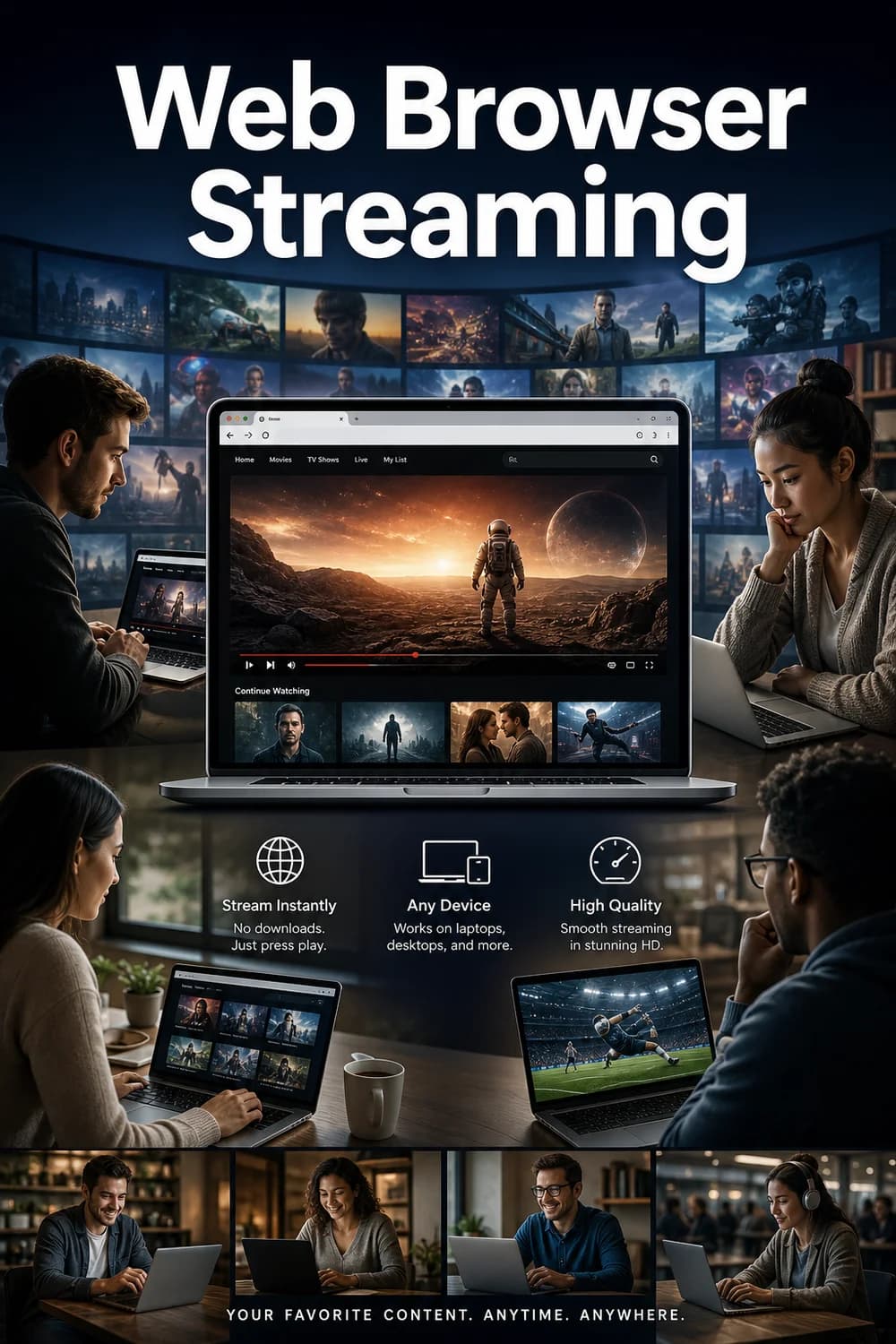
Web Browser Streaming
Stream content directly through web browsers on computers and laptops
What you need
- A modern web browser: Chrome, Firefox, Safari, Edge, and Opera are widely supported. Older or less common browsers may have limited compatibility.
- A computer or laptop: Desktop PCs, MacBooks, Windows laptops, and Chromebooks all work. Browser streaming is not available on smartphones or tablets through this method (those devices use dedicated apps instead).
- A stable internet connection: A minimum of 5 Mbps is generally recommended for HD streaming; 25 Mbps or more is ideal for 4K content.
- A valid subscription: Any active subscription tier typically grants browser access, though some premium features (such as ad-free viewing or 4K resolution) may require higher-tier plans.
- DRM support: Some browsers require Widevine or similar Digital Rights Management (DRM) software to play protected content. Most major browsers include this by default.
Guide to Web Browser Streaming
1. Feature Overview
Web Browser Streaming allows you to watch content directly through a web browser - such as Chrome, Firefox, Safari, or Edge - on any computer or laptop. Rather than downloading a dedicated app, you simply navigate to the streaming service's website, log in, and start watching. This makes it one of the most universally accessible ways to stream, since virtually any modern computer already has a web browser installed.
The experience typically mirrors what you'd find in a dedicated app, including access to your watchlist, playback controls, subtitle options, and video quality settings. Most services support streaming up to 4K resolution in the browser, though this can vary depending on the browser you use and your subscription tier.
3. Real-World Examples
- Working from home: You're on your work laptop during a lunch break and want to catch an episode of a show. No app installation needed - just open a browser tab and start watching.
- Traveling with a laptop: You're in a hotel with your personal laptop. Browser streaming means you don't need to worry about whether the hotel's smart TV supports your streaming service.
- Switching devices: You start watching a film on your phone via the app, then move to your desk and pick up where you left off in the browser - seamlessly continuing through the same account.
- Shared or borrowed computers: On a family member's computer without your streaming apps installed? Browser access lets you log in and watch without installing anything.
4. How We Score This Feature
Our scoring for Web Browser Streaming evaluates how well a service delivers a complete, reliable viewing experience through a browser - not just whether browser access exists, but how good it actually is.
Key factors include:
- Cross-browser compatibility: Does the service work consistently across Chrome, Firefox, Safari, and Edge?
- Feature parity: Does the browser version offer the same features as the dedicated app (subtitles, quality settings, watchlist, etc.)?
- Video and audio quality: Can users access the highest available resolution and audio formats?
- Reliability: Is playback stable, with minimal buffering or technical errors?
The scoring data for this feature shows a consistent pattern: services that deliver full feature parity and reliable performance across multiple browsers score in the 8/10 range, reflecting an excellent but not quite perfect experience. Scores in this range indicate that browser streaming works very well for the vast majority of users, with only minor limitations (such as occasional browser-specific quirks or slight differences from the native app experience). A score of 10/10 would represent a flawless, fully equivalent experience across all browsers with no trade-offs whatsoever.
Confidence levels in the current data are high (9/10), meaning these assessments are based on thorough, reliable testing.
5. Why It Matters
Web Browser Streaming is one of the most practical and flexible ways to access a streaming service. It removes the barrier of app installation and makes your subscription accessible from virtually any computer - your own, a shared one, or a borrowed device.
Who benefits most:
- Users who frequently switch between devices or use multiple computers
- People who prefer not to install additional software
- Anyone using a work or school computer where app installation may be restricted
- Travelers who rely on laptops rather than smart TVs
Limitations to keep in mind:
- The browser experience may occasionally lag slightly behind the dedicated app in terms of new features or interface updates.
- Some browsers handle DRM-protected 4K content differently, which can affect maximum resolution.
- Browser streaming is not a substitute for mobile apps on phones or tablets.
Overall, strong browser streaming support is a meaningful convenience feature that adds real flexibility to your viewing options.